
 MAIN STORE
 Join our Discord
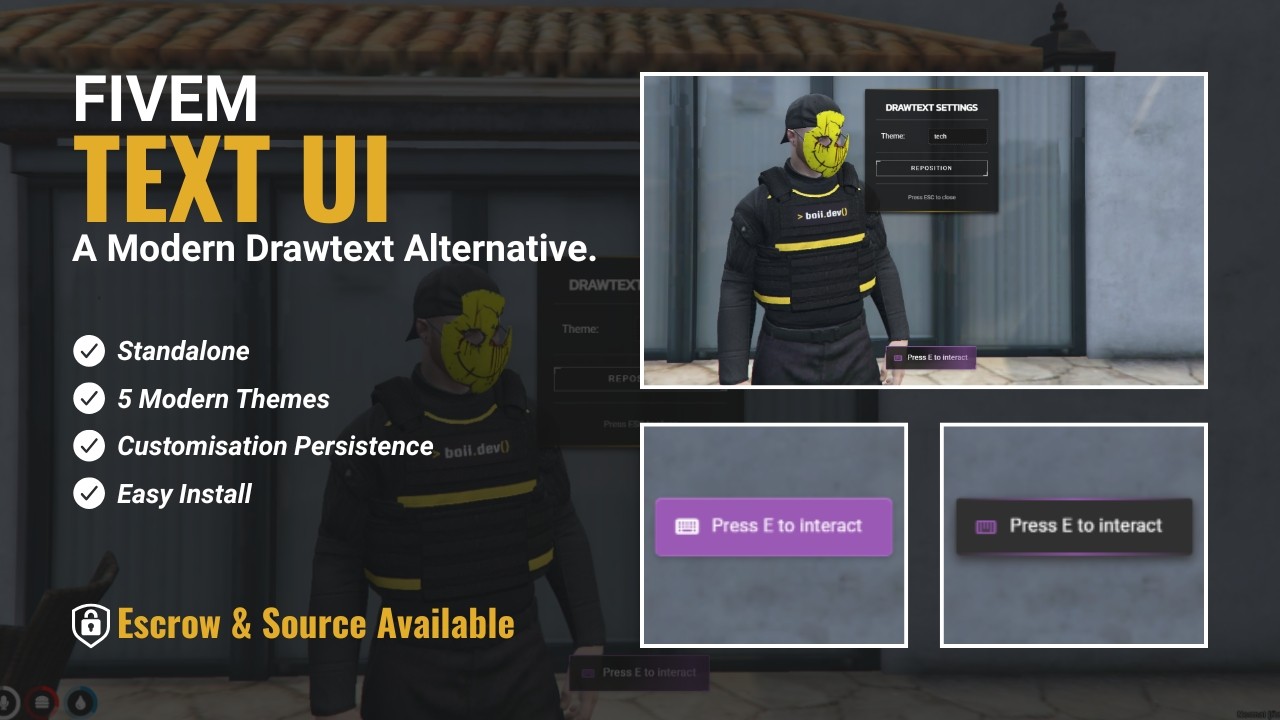
Lightweight, fully customizable drawtext system for FiveM.
Drop it into your server and display persistent on-screen text prompts with optional icons and custom themes.
Framework-agnostic, easy to use, and fully configurable per player.
Client-Side DrawText
Displays drawtext and manages per-player settings menu.
Exports functions:
show(opts): Show drawtext
update(opts): Update existing drawtext
clear(): Clear the current drawtext
open_settings(): Open the settings menu
close_settings(): Close the settings menu
Optional fields: icon.
Required fields: type ("success", "error", "warning", "info", "primary") and text.
Server-Side DrawText
Trigger drawtext to specific players or open their settings menu.
Exports functions:
show(source, opts): Show drawtext to a player by their server ID
update(source, opts): Update drawtext for a specific player
clear(source): Clear drawtext for a specific player
open_settings(source): Open the settings menu for a specific player
Use this for persistent prompts like interaction hints, loading indicators, or contextual instructions.
Supports optional icons and multiple themes.
Settings Menu
Players can open via /drawtext or server-triggered command.
Allows per-player customization:
- Change drawtext theme
- Move drawtext on screen
Quick Install
1. Download and add the resource to your server.
2. In server.cfg: ensure boii_drawtext
3. Restart the server (or resource)
4. Start sending drawtext from client scripts, server scripts, or via /drawtext
What You Get
- Fully client/server compatible drawtext system
- Optional icons and multiple themes
- Per-player customizable UI
- NUI-based, lightweight, and responsive
- Easy exports for integration with other scripts
- Update functionality for dynamic text changes
Support
Need help or want to report an issue? Join the Discord: https://discord.gg/MUckUyS5Kq